Linking to files on the Internet
You may have pages on your own website or you may wish to link to some other web page on the Internet.
To make the link, first visit the relevant page and copy the URL to the clipboard. Then paste the URL of the link into the space provided. You could type it in but it's better to copy and paste.

and click the URL button.
Save the link and you can see it by clicking "See File"
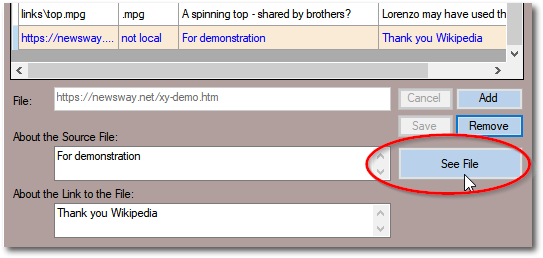
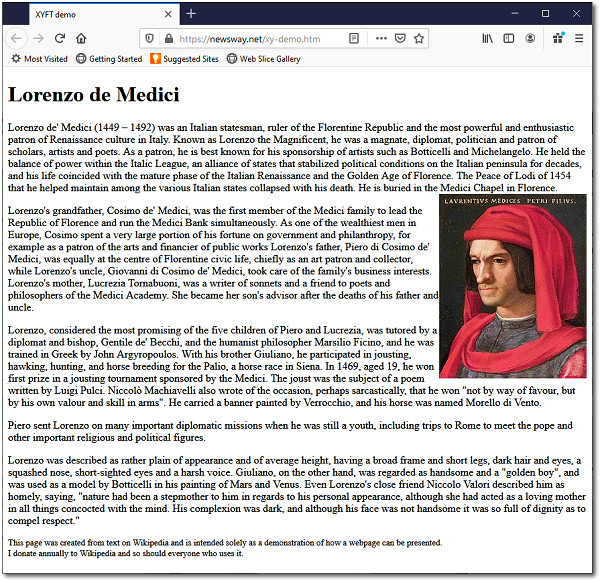
This could be be your hand-crafted page for an individual or, indeed, any other page that is relevant. You have all the power to navigate your family tree using XYFT AND the means of making your own detailed pages where you have information that you'd like to show in your own way. If you use the same URL for other people you can quickly navigate between them.
Created with the Personal Edition of HelpNDoc: What is a Help Authoring tool?