Setting the defaut image
To display a picture of the person in the focus, double-click the space where the picture will be displayed and then find a picture stored on your computer – anywhere on your computer.
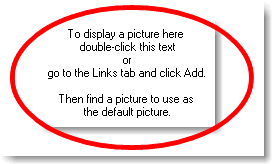
and locate the file you wish to use
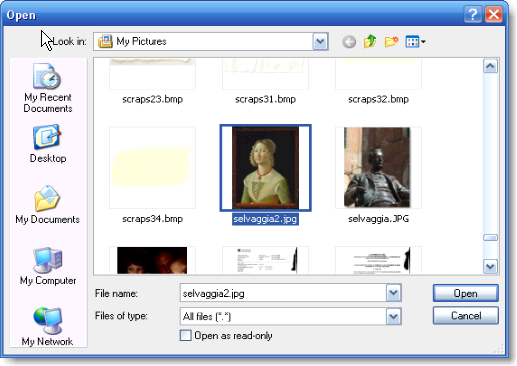
select that file by double-clicking or clicking the Open button
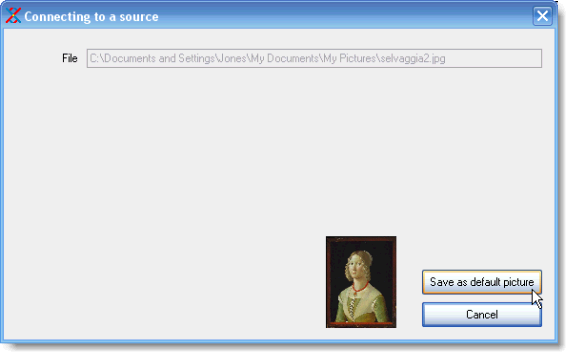
This will create a copy of the picture in your ‘families\family name\links’ folder using the name and id of the focal person. e.g. “Selvaggia Alessandri id24.jpg”.

This becomes the default picture.
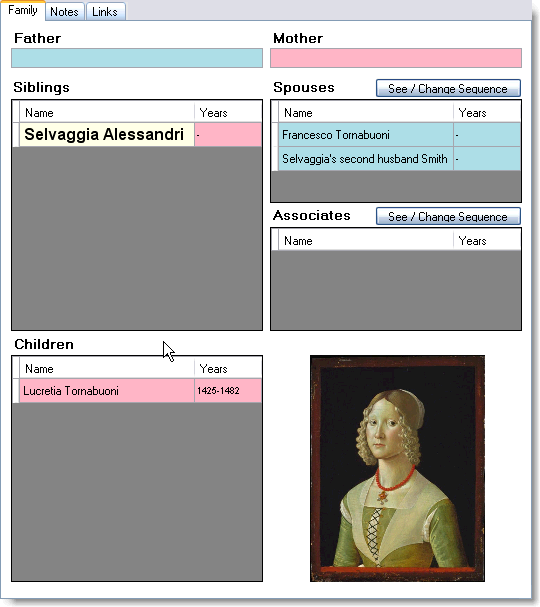
The original file will remain unchanged, only a copy is taken. Only one picture (.jpg or .gif) can be your default picture, so any previous default pictures will be replaced. The result is shown above.
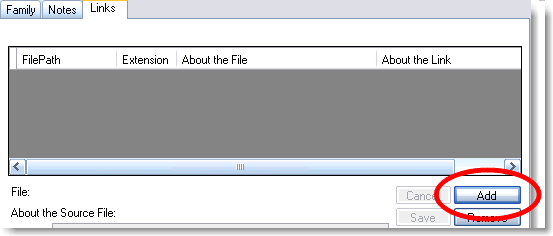
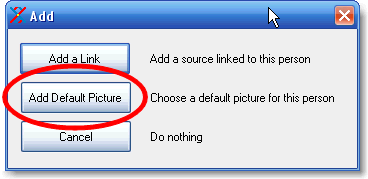
Alternatively, click on the “Links” tab, click the “Add” button, browse to the picture you require – again this can be anywhere on your computer – select it by double-clicking the file or clicking the “Open” button, then click “Save as default picture”.
Created with the Personal Edition of HelpNDoc: Easy EPub and documentation editor