Entering names
The first person in any new empty family defaults to Given names Family name.
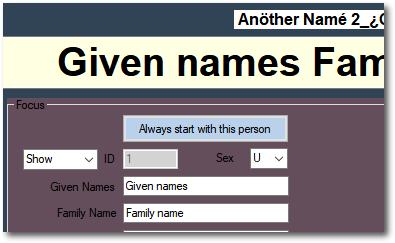
Edit those names, choose a gender then click the green Save button.

to see:
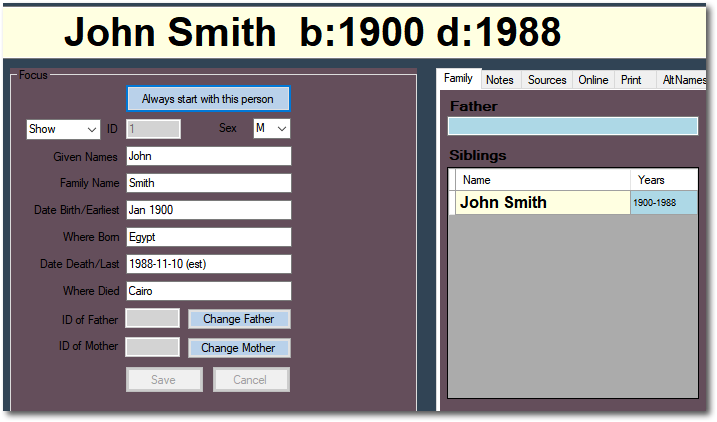
Note dates just use the year - the first 4 consecutive digits from 0001 to 9999 found anywhere in the date fields.
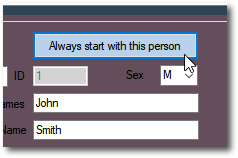
Once you have started the program, you can choose any person in the system to be the person in the focus for your opening screen every time you open XYFT.
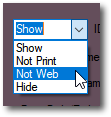
The Show option should generally be left at Show but it's possible to hide this person in any printed output or when uploading to the xyfamilytree website, or both. See section on Privacy Settings.
Created with the Personal Edition of HelpNDoc: Full-featured EBook editor